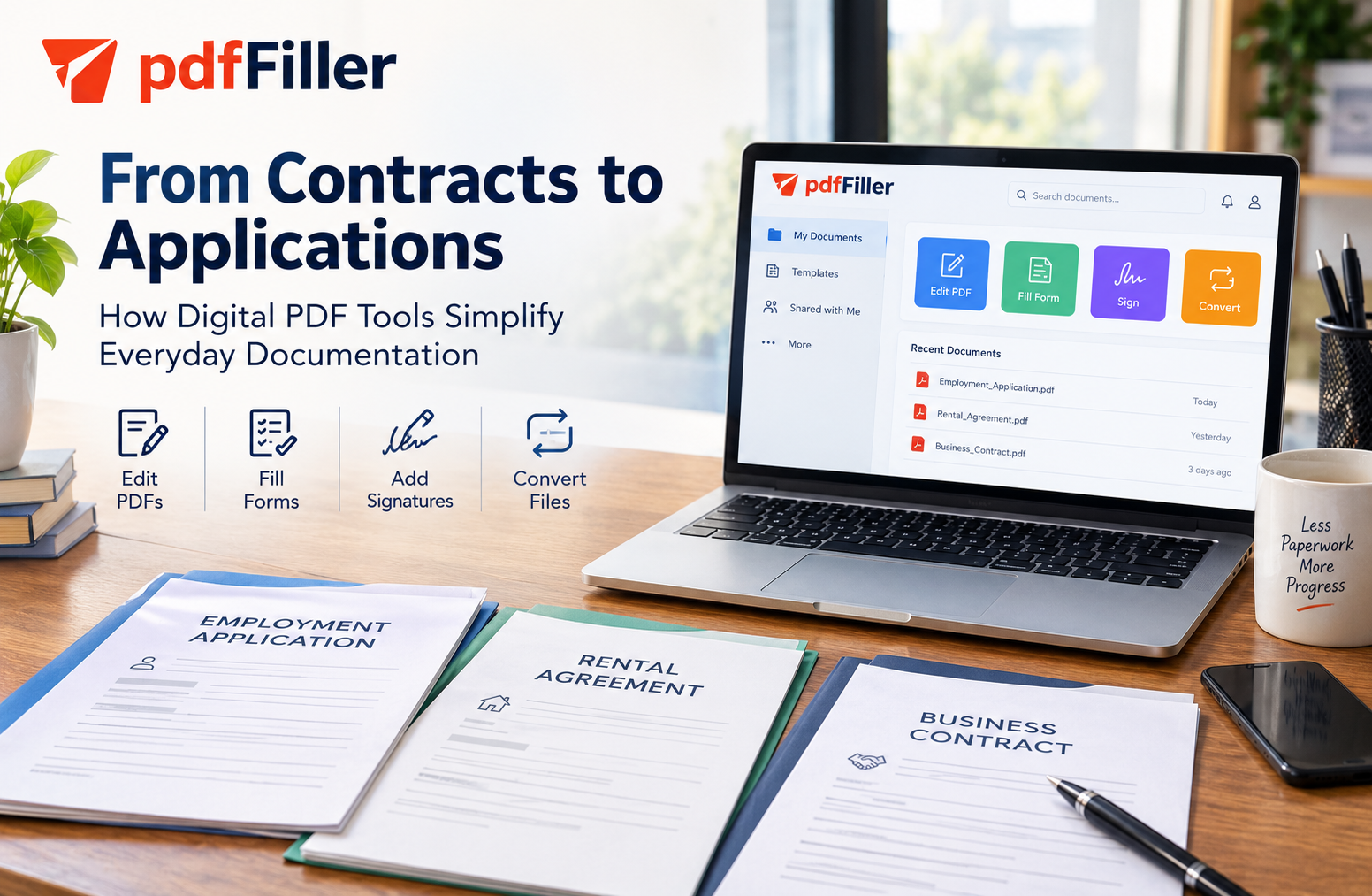
Documents play an important role in professional and personal life. Employment agreements, business proposals, rental applications and official forms all require accurate information and careful handling. Managing these files manually can become repetitive, particularly when changes or signatures are needed. pdfFiller offers digital tools that help users work with PDF documents, complete forms and prepare paperwork more conveniently.
Manage Important Documents Digitally
Keeping important paperwork organised is easier when documents are stored and managed electronically. Digital files can be reviewed, updated and shared without repeatedly printing physical copies. With pdfFiller, users can explore online document tools designed to support common PDF tasks and simplify everyday administrative work.
Prepare Employment Documents
Job applications and employment processes often involve several documents, including application forms, offer letters and agreements. Completing these files accurately is essential. An online PDF editor such as pdfFiller can help users fill out relevant documents, make necessary edits and prepare files before submitting them to an employer.
Handle Business Agreements More Efficiently
Businesses regularly prepare agreements involving clients, suppliers, partners and employees. These documents need to be reviewed carefully before they are shared or signed. pdfFiller provides PDF editing and signing capabilities that can support document preparation. Always review the complete agreement and seek appropriate professional advice when necessary.
Simplify Rental and Housing Paperwork
Renting a property can involve application forms, agreements, identification documents and other administrative requirements. Keeping everything organised can make the process easier to manage. Using pdfFiller, users can explore ways to complete and prepare PDF paperwork digitally. Check the information carefully before submitting documents to a landlord or property manager.
Complete Official Forms More Conveniently
Official paperwork often requires information to be entered into specific fields. Printing a document, filling it manually and scanning it again can take additional time. pdfFiller offers digital form-filling tools that allow users to work with PDF forms online. Follow the receiving organisation's instructions and ensure every required field is completed correctly.
Add Electronic Signatures
Many everyday documents require signatures before they can be processed. Digital signing can make suitable workflows more convenient, particularly when the people involved are in different locations. Explore the electronic signing features available through pdfFiller. Before using an electronic signature, confirm that the recipient accepts it and that the document meets applicable legal requirements.
Make Document Editing Less Complicated
Sometimes a document needs a small correction rather than a complete rewrite. Updating information, adjusting text or adding missing details can be easier with an appropriate PDF editor. pdfFiller provides online editing tools that help users work with existing PDF files. Review the finished document to ensure that changes have not affected its layout.
Convert Files When Necessary
Different organisations may request documents in specific formats. A PDF might need to become an editable file, or another document may need to be converted into PDF format for sharing. Explore the available conversion features on pdfFiller. Always inspect converted files because formatting, spacing and images may change during the process.
Organise Client and Customer Records
Professionals who regularly work with customers may need to manage forms, agreements, invoices and other records. A consistent digital filing system can make these documents easier to locate. pdfFiller can support PDF-related tasks within a broader document workflow. Use clear filenames and suitable folders to keep records organised.
Prepare Documents for Remote Collaboration
Remote teams often exchange documents through digital channels. Reviewing and updating files online can help reduce delays caused by printing or physically passing paperwork between colleagues. pdfFiller offers document tools that can support remote PDF workflows. Check sharing permissions and make sure collaborators receive the correct version.
Reduce Repeated Printing and Scanning
Printing and scanning can become repetitive when paperwork requires several rounds of changes. Digital editing and signing may reduce these steps for documents that do not require physical handling. pdfFiller provides online PDF functionality that can help users complete suitable tasks electronically. Remember that some institutions and processes still require printed or original documents.
Keep Financial Paperwork Organised
Invoices, receipts, payment records and financial forms are important documents that should be easy to retrieve. Organising them by date, category or purpose can make future reference simpler. With pdfFiller, users can explore PDF tools for working with relevant paperwork. Protect financial information carefully and avoid sharing sensitive files unnecessarily.
Review Every Document Before Submission
Even a small error can create confusion in an official application or agreement. Check names, dates, contact details, amounts and signatures before sending anything. pdfFiller can help users prepare and edit PDF documents, but the information entered must still be verified. Keep a final copy of important paperwork for your records.
Understand Document Security
Professional and personal documents can contain confidential information, including addresses, financial details and identification data. Use strong passwords, review access permissions and understand how an online service handles uploaded files. Before working with sensitive paperwork through pdfFiller, read its current privacy and security information and follow any applicable workplace data policies.
Explore Templates for Common Documents
Preparing similar documents repeatedly can take unnecessary time. Templates can provide a starting structure for forms and other paperwork, although they should always be adapted to the specific situation. Explore available document resources through pdfFiller, and check every section before using a template for an official or professional purpose.
Work Across Your Devices
Document tasks do not always happen at a desk. You might need to review a file on a laptop, complete a form elsewhere or access information while travelling. Check the supported devices and browser requirements for pdfFiller to understand how its online tools fit your routine. A stable internet connection may be required for certain tasks.
Choose Features That Match Your Work
Different users have different documentation requirements. A freelancer may regularly sign agreements, while a student may mainly complete application forms. Explore pdfFiller and identify the features that match your regular tasks. Comparing available tools with your actual requirements can help you avoid paying for functionality you rarely need.
Review Subscription and Pricing Information
Before choosing an online document service, understand its available plans and payment conditions. Check feature limits, subscription periods, renewal arrangements and cancellation requirements. Visit pdfFiller to review the latest pricing information and compare options. Read the terms carefully so you understand the costs before starting a subscription.
Build a Better Paperwork Routine
A consistent approach can make document management less stressful. Save files in organised folders, complete forms promptly, check details before signing and keep copies of important submissions. Using pdfFiller for suitable PDF tasks can become part of this routine, helping you handle recurring paperwork more systematically.
Make Document Management More Convenient
From employment applications and rental agreements to business forms and financial records, digital documents are part of everyday life. Having suitable tools can make common tasks easier to manage. Explore pdfFiller to learn more about its PDF editing, form-filling and signing features. Choose tools carefully, protect confidential information and review every document before sharing it.