
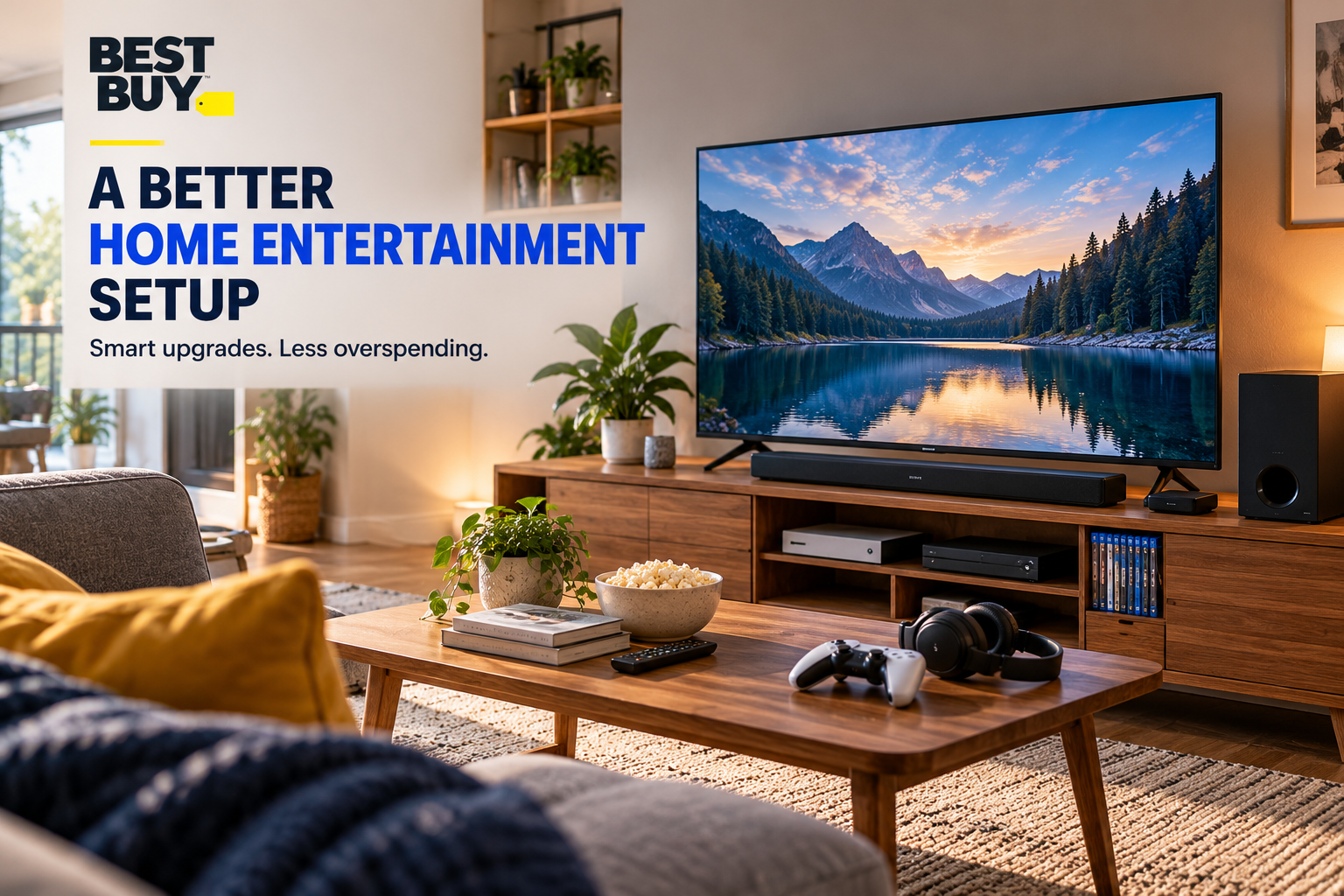
A good home entertainment setup does not require the biggest television or the most expensive speakers. It is about creating a space that suits how you watch films, follow sports, play games, and spend time with family. With a little planning, you can choose useful upgrades without wasting money. Exploring Best Buy can help you compare products before deciding what your home really needs.
Start by Understanding How You Use Your Entertainment Space
Before shopping, think about how you use your entertainment area. You might watch series after work, organise movie nights, follow live sports, or spend hours gaming. Your habits should guide your purchases, so focus on products that improve your everyday experience rather than buying features simply because they look impressive at Best Buy.
Also consider who will use the space. Families may prefer simple controls and practical storage, while film enthusiasts might prioritise picture and sound quality. If your living room also serves as a workspace, choose equipment that works comfortably for both activities.
Choose a Television That Fits Your Room
Get the Screen Size Right
A larger television can make films and sports more immersive, but it is not always the best choice. A screen that overwhelms a small room may feel uncomfortable, while a television that is too small can make subtitles and details difficult to see. Measure your available space and consider your viewing distance before comparing options at Best Buy.
Think about placement, too. Windows can create reflections, and mounting a television too high may cause discomfort during long viewing sessions. Planning the position before buying can improve your experience without adding to your budget.
Understand Resolution and Picture Quality
Televisions come with different resolutions and display technologies. Full HD may suit basic viewing needs, while 4K can provide more detail for compatible films, streaming content, and games. However, picture quality also depends on the television itself and the content you watch.
-
OLED: Known for deep blacks and strong contrast.
-
LED and QLED: Offer different brightness, colour, and price options.
-
HDR: Can improve the appearance of supported content.
-
Refresh rate: Matters particularly for fast-moving sports and gaming.
Compare the actual specifications of televisions at Best Buy rather than assuming that a higher resolution or premium label automatically guarantees a better picture.
Consider Your Viewing Habits
If you mainly watch television programmes and online videos, you may not need every premium feature. Sports fans and gamers may value motion handling and refresh rates, while film enthusiasts might prioritise contrast and colour. Choose features that match your regular activities when browsing Best Buy.
Improve Sound Without Complicating Your Setup
Decide Whether You Need a Soundbar
Built-in television speakers may be sufficient for everyday viewing, but dialogue can sometimes become difficult to hear. A soundbar can improve audio without requiring several speakers around the room. Some models also include a subwoofer for stronger bass.
Before choosing one at Best Buy, consider your room size, available space, and listening habits. If you live in an apartment, a powerful subwoofer may be unnecessary, especially if you watch television late at night.
Check Connections Before Buying
Make sure your equipment works together before purchasing additional cables or accessories. Check for:
-
HDMI and HDMI ARC/eARC compatibility.
-
Optical audio connections, if required.
-
Bluetooth and Wi-Fi support.
-
Suitable ports for consoles, streaming devices, and other equipment.
Review the specifications of both devices before shopping at Best Buy. Cable clips and sleeves can also help keep wires organised, making your entertainment area safer and less cluttered.
Make Streaming Simple and Reliable
Check Your Television’s Smart Features
Many modern televisions include apps for streaming films, series, music, and online videos. If your current television supports the services you use, you may not need a separate streaming device. If its software is outdated or an essential app is unavailable, an external device could be a practical alternative.
Compare compatible options at Best Buy, but first identify what your current television cannot do. Remember that streaming subscriptions and internet access may involve additional costs.
Do Not Overlook Your Internet Connection
Buffering does not always mean your television needs replacing. A weak Wi-Fi signal, router placement, or too many connected devices may be responsible.
Before buying networking equipment at Best Buy, try moving your router to a more open location and checking your connection speed. A wired Ethernet connection may help stationary devices, while a mesh Wi-Fi system could improve coverage in larger homes.
Build a Gaming Setup Around Your Needs
Choose the Right Screen for Gaming
Gaming displays should match your console or computer. Competitive players may benefit from a high refresh rate and low input lag, while players who enjoy story-driven games might prioritise screen size, colour, and contrast.
A high-refresh-rate display cannot deliver its full benefit if your hardware cannot produce enough frames. Compare your system’s capabilities with the available monitors and televisions at Best Buy before spending extra on features you may not use.
Spend on Accessories You Will Actually Use
Useful gaming accessories can improve comfort and convenience without requiring a complete setup upgrade. Consider:
-
A comfortable controller for console gaming.
-
A suitable headset for audio and team communication.
-
A responsive mouse or keyboard for PC gaming.
-
Compatible storage for large games and media libraries.
Check compatibility before purchasing accessories through Best Buy. Prioritise items that solve a genuine problem instead of spending on decorative extras.
Create a More Comfortable Living Room
Your entertainment setup should feel like part of your home, not a showroom. A suitable television cabinet can provide space for consoles and streaming devices, while closed storage helps keep accessories out of sight. Measure your available space and check product dimensions before shopping at Best Buy.
Lighting also affects the viewing experience. Soft ambient lighting can make a room more inviting, while strong light reflected directly onto the screen may become distracting. Keep electronics ventilated, avoid blocking their air vents, and secure loose cables to reduce tripping risks.
Set a Budget Before You Start Shopping
Decide how much you can comfortably spend before browsing. Divide your budget between the main equipment and any accessories you genuinely need. You can upgrade gradually rather than purchasing everything at once, comparing the complete cost of each option at Best Buy.
Separate essential features from optional extras. A television that fits your room and supports your favourite services may offer better value than a premium model packed with features you rarely use. Similarly, an affordable soundbar that improves dialogue may be more useful than an expensive surround-sound system.
Compare Deals Carefully
A discount does not automatically make a product the best value. Before purchasing from Best Buy, compare the model number, specifications, included accessories, warranty, and return conditions.
Open-box or outlet products may also be worth considering when available. Check the product’s condition, included items, and applicable warranty and return terms. A lower price is worthwhile only if the product meets your needs and the overall purchase remains practical.
Think About Energy Use and Long-Term Ownership
Entertainment equipment can run for several hours each day, so energy consumption is worth considering. Power requirements vary by product and usage, meaning the cheapest device to purchase is not necessarily the cheapest to operate. Compare available energy information when reviewing products at Best Buy.
Long-term value also depends on connectivity, support, and whether a product meets your needs as your setup changes. Check warranty information and compatibility before buying. Useful ports and reliable software support can help prevent equipment from becoming inconvenient as you add devices.
Make Setup and Maintenance Part of the Plan
Once your equipment arrives, install available software updates and adjust picture and sound settings to suit your room. Follow the manufacturer’s instructions for products purchased through Best Buy rather than immediately buying extra accessories you may not need.
Keep ventilation openings clear, clean screens using manufacturer-approved methods, and inspect cables for damage. Avoid spraying cleaning liquids directly onto electronics. If a device overheats or behaves unusually, consult its troubleshooting guidance instead of ignoring the problem.
A Simple Upgrade Plan for Different Budgets
If your budget is limited, start with the problem that bothers you most. A small screen may call for a better-sized television, unclear dialogue may justify a soundbar, and buffering may require network troubleshooting instead of a new display. Compare targeted solutions at Best Buy before replacing several components unnecessarily.
With a moderate budget, you might combine a suitable television with improved audio or streaming. Gaming enthusiasts may prefer a compatible monitor or useful accessory. Even with a larger budget, compare each component individually and focus on upgrades that genuinely improve your experience.
Build Around Your Life, Not the Latest Trend
The best home entertainment setup is not necessarily the most expensive one. It is the setup that makes your favourite activities more enjoyable, fits your home, and stays within your budget. A suitable television, clear sound, reliable internet, and practical accessories can make a meaningful difference.
Take your time, compare specifications, and check compatibility before shopping at Best Buy. Start with one meaningful upgrade and decide what you need next. By focusing on your actual habits instead of the latest trends, you can create a comfortable entertainment space without overspending.