
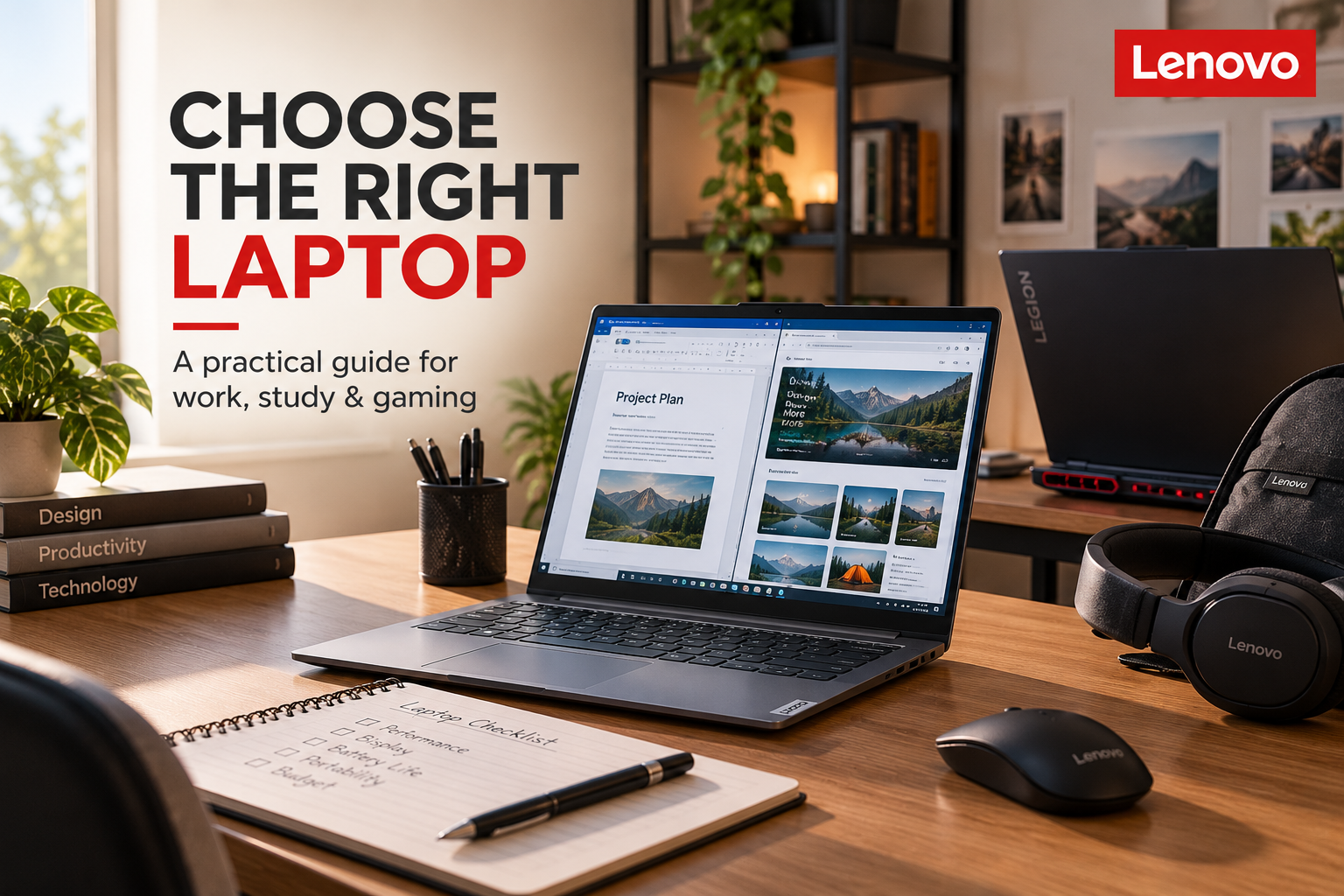
Buying a laptop can quickly become confusing. One model promises better performance, another offers a sharper display, and a third looks appealing because it is lightweight and affordable. The key is not finding the laptop with the most impressive specifications but choosing one that fits your lifestyle. Whether you need it for college, office work, creative projects, or gaming, Lenovo offers different options worth exploring.
Start With Your Everyday Needs, Not the Specifications
Think about your daily tasks before choosing a laptop. Whether you need it for studying, office work, creative projects, or gaming, explore Lenovo to find a device that matches your needs, budget, and lifestyle without paying extra for features you rarely use.
Make a list of your regular tasks, the applications you use, and how much storage you need. Consider whether you will carry your laptop frequently and if your requirements might change over the next few years. This will help you choose a suitable device without paying for features you rarely use.
Choose a Laptop That Fits Your Budget
Set a realistic budget before browsing. An affordable laptop may handle everyday tasks comfortably, while a more expensive model could be worthwhile for demanding software. Remember to include accessories such as a laptop bag, mouse, or external storage in your spending plan.
When comparing Lenovo laptops, check the complete configuration rather than the product name alone. Models in the same series can have different processors, memory, storage, and displays. A higher price does not automatically mean a better choice; focus on the features you genuinely need.
Understand the Main Lenovo Laptop Families
Different laptop families serve different purposes. Understanding their general focus can help you narrow down your options.
-
IdeaPad: Suitable for everyday computing, studies, and entertainment.
-
Yoga: Worth considering for flexible designs, premium features, and selected touchscreen or convertible models.
-
ThinkPad: Focused on business computing, productivity, and professional use.
-
ThinkBook: Offers business-oriented features in a modern design.
-
LOQ: A gaming-focused range for gaming and graphics-intensive tasks.
-
Legion: Designed for demanding gaming and performance-focused workloads.
These descriptions are starting points, not guarantees that every model has the same features. Compare individual configurations through Lenovo to find one that matches your requirements.
Processor: What Do You Really Need?
The processor, or CPU, helps run applications and manage everyday tasks. For browsing, document editing, video calls, and online learning, a modern entry-level or mid-range processor may be sufficient. Software development, large spreadsheets, creative applications, and demanding professional programmes may require more processing power.
Gaming also depends on the graphics hardware, cooling, and overall laptop design. When comparing Lenovo models, check the exact processor model and generation instead of relying only on the Intel or AMD name.
RAM: Make Multitasking Less Frustrating
RAM helps your laptop run multiple applications smoothly, from browser tabs and documents to video meetings. For everyday tasks, 8GB may be sufficient, while 16GB can provide a more comfortable multitasking experience. If you’re considering a laptop from Lenovo, check the memory configuration and whether the RAM can be upgraded later, especially if you plan to use demanding software.
For many everyday users, 8GB may be a practical starting point, while 16GB often offers more comfortable multitasking and flexibility. Demanding creative applications may require more, so check your software requirements before buying. Also, find out whether the laptop's RAM can be upgraded later or is soldered to the motherboard.
Storage: How Much Space Will You Use?
Storage determines how much room you have for applications, documents, photos, videos, and games. Most modern laptops use solid-state drives (SSDs), which generally load files and applications faster than traditional mechanical hard drives.
Your ideal capacity depends on your habits. Documents and online work may need less space than video editing or large game installations. Cloud storage and external drives can help, but consider internal storage carefully when comparing Lenovo laptops. If possible, check whether the model supports storage expansion.
Display Quality Matters More Than You Might Think
Since you will look at your screen for hours, display quality deserves attention. A 13- or 14-inch laptop can be convenient for travelling, while a 15- or 16-inch display provides more room for documents and multitasking.
Full HD resolution is enough for many everyday tasks. Creative users may prefer higher resolution and better colour accuracy, while gamers may prioritise refresh rate and response time. Some Lenovo models also offer touchscreen or convertible designs. Choose these features based on how you plan to use the laptop rather than assuming you need every available option.
Battery Life and Portability for People on the Move
If you attend classes, commute to work, or travel regularly, weight and battery life can make a significant difference. Lightweight laptops are easier to carry, while larger performance models may offer more powerful hardware but add extra weight.
Remember that advertised battery life may differ from real-world use. Brightness, video calls, gaming, and demanding applications can drain the battery faster. Read reviews that reflect your typical workload before choosing a laptop through Lenovo.
Choosing a Laptop for College or University
Students need a laptop that supports assignments, research, presentations, online classes, and everyday entertainment. A comfortable keyboard, clear display, dependable performance, and suitable battery life are often more useful than expensive features.
Your course also matters. Humanities students may have different requirements from those studying engineering, animation, or computer science. Check your institution's software recommendations before purchasing. The official Lenovo student store offers different device options and may provide discounts to eligible students, subject to current terms.
Finding the Right Laptop for Office Work
For office use, reliability and comfort are essential. Documents, spreadsheets, email, and video meetings usually do not require gaming-level graphics, but they benefit from a good keyboard, responsive trackpad, clear webcam, and suitable microphone.
Check the available ports if you regularly connect monitors, USB accessories, or external storage. Business-focused ThinkPad and ThinkBook models from Lenovo are worth comparing. Warranty coverage, support, security features, and upgrade options can also influence long-term value.
Gaming Laptops: Look Beyond the Graphics Card
Gaming performance depends on more than the graphics card. The processor, cooling system, RAM, storage, and display all contribute to the experience.
Consider the games you play. Competitive titles may benefit from a high-refresh-rate screen, while demanding games may need stronger graphics hardware. Cooling is equally important because excessive heat can affect sustained performance. Check reviews for noise, temperatures, and performance during longer sessions.
The Lenovo LOQ and Legion families are useful starting points for gaming-focused laptops. Compare the exact specifications and remember that gaming models can be heavier, consume more power, and offer shorter battery life during gameplay.
Accessories Can Make Your Laptop More Useful
Accessories can improve comfort and convenience, but you do not need to buy everything immediately. A mouse can provide better control, an external monitor adds screen space, and a headset can improve audio during meetings or gaming. A protective sleeve or padded backpack is useful if you travel frequently.
When exploring Lenovo accessories, check compatibility with your laptop. Confirm that chargers, monitors, and other equipment support the connections and power requirements of your particular model.
Check Warranty, Support, and Final Details
Before buying, review the warranty, repair options, and available technical support. Coverage can vary by model and region, so check the terms for the exact device you want.
It is also worth checking whether RAM or storage can be upgraded later. Read reviews that discuss battery life, heat, fan noise, keyboard comfort, and reliability. The official Lenovo support website provides product documentation, drivers, troubleshooting resources, and warranty information.
How to Compare Laptop Deals Without Getting Distracted
A discount does not automatically make a laptop the right choice. Compare two or three suitable models based on their processors, memory, storage, displays, battery performance, weight, and warranty.
Check that the advertised price applies to the exact configuration you want. Promotional offers and student discounts may have specific conditions and can change over time. Review the current terms on Lenovo before purchasing, and avoid rushing into a decision simply because a deal is about to expire.
Make a Choice That Fits Your Life
The right laptop should support your goals, suit your routine, and fit your budget. Start by identifying your everyday needs, then compare performance, RAM, storage, display quality, battery life, and portability.
Whether you need a laptop for studying, office work, creative projects, or gaming, compare the available Lenovo options carefully. Focus on the configuration that handles your tasks comfortably rather than buying something simply because its specifications look impressive.
A little research before purchasing can help you find a laptop that offers the right balance of usability, performance, and value for years to come.