
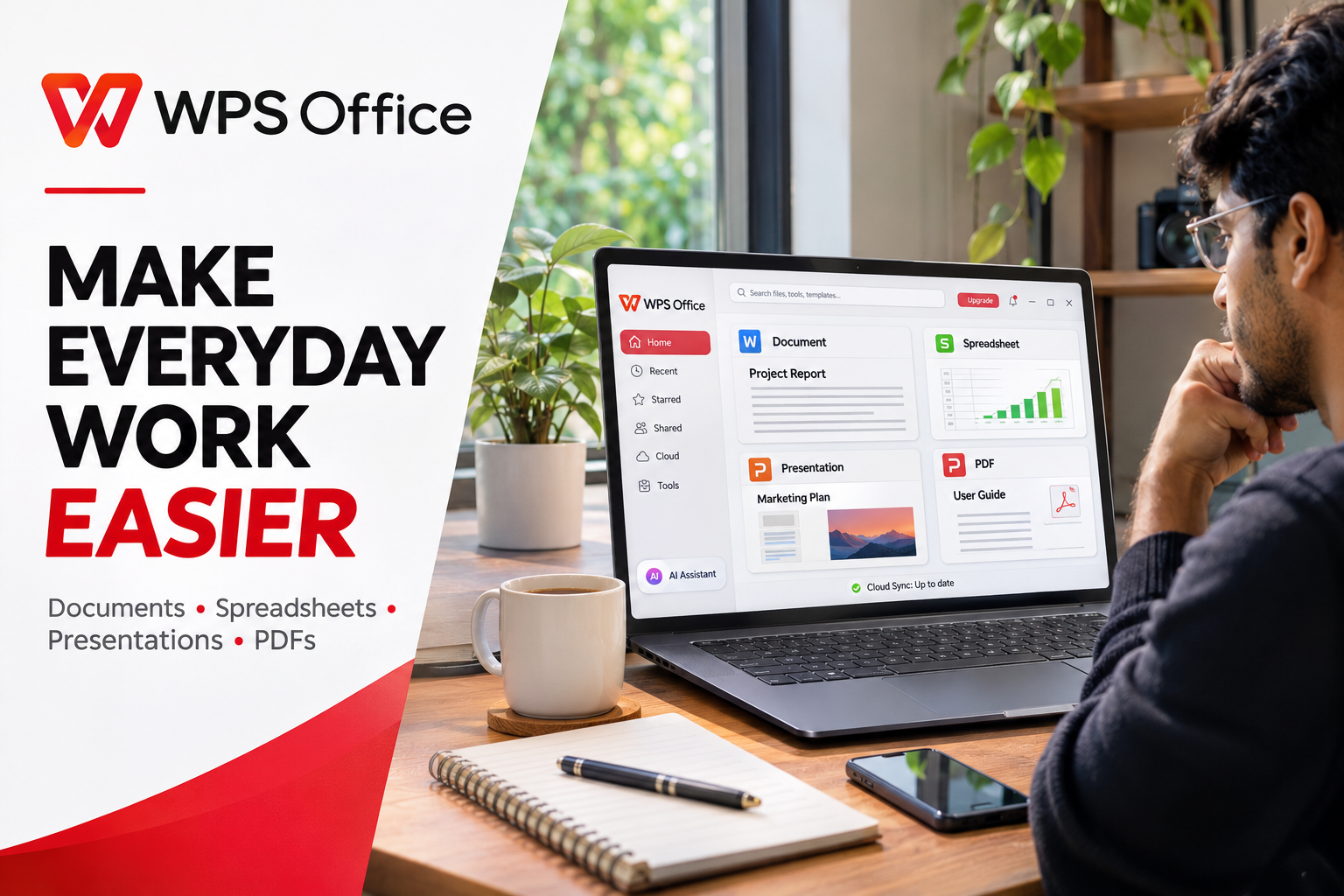
Managing assignments, preparing reports, organising information, and creating presentations are all part of modern academic and professional life. Switching between different applications for every task can make these activities unnecessarily complicated. WPS Office brings essential office tools together in one productivity suite, helping users handle different types of work from a single place.
Bring Your Everyday Office Tasks Together
Most people regularly work with different types of files, from written documents and spreadsheets to presentations and PDFs. Having separate applications for each format can make everyday workflows harder to manage. WPS Office combines Writer, Spreadsheet, Presentation, and PDF tools, providing a unified workspace for common productivity tasks.
Create Documents Without Complicated Workflows
Writing assignments, preparing professional reports, drafting letters, and creating proposals often require consistent formatting and clear organisation. A reliable word processor makes it easier to edit content, structure information, and prepare documents for sharing. With Writer, WPS Office provides tools for creating and editing documents while supporting commonly used Word file formats.
Organise Information with Spreadsheets
Spreadsheets are useful for much more than financial calculations. Students can organise research information, professionals can maintain project trackers, and small businesses can monitor expenses or sales figures. The Spreadsheet application in WPS Office helps users work with tables, formulas, charts, and structured data without needing a separate spreadsheet application.
Turn Ideas into Presentations
A good presentation should communicate information clearly rather than overwhelm an audience with text. Whether you are preparing a classroom presentation, business proposal, project update, or training session, arranging your ideas into slides can make them easier to understand. Presentation tools in WPS Office help users create and edit slide decks for different purposes.
Manage PDFs in the Same Workspace
PDF files are common in education, business, administration, and everyday communication. They are frequently used for forms, contracts, reports, manuals, and documents that need to retain their layout when shared. WPS Office includes PDF tools for viewing, annotating, editing, converting, merging, and signing documents, depending on the feature and plan available.
Work with Familiar Microsoft Office Formats
Sharing files with people who use different office applications can sometimes create compatibility concerns. Documents, spreadsheets, and presentations need to retain their formatting when opened or edited on another device. WPS Office supports commonly used formats such as DOCX, XLSX, and PPTX, making it easier to exchange files with users of Microsoft Office applications.
Use AI to Make Writing More Efficient
Starting a document from a blank page can take time, particularly when you need to organise ideas or prepare a first draft. AI writing assistance can help generate outlines, refine sentences, summarise information, and improve the structure of written content. The integrated AI features in WPS Office bring writing assistance into the document workflow, helping users move from an initial idea towards a more organised draft.
Make Better Use of Spreadsheet Data
Working with large spreadsheets can involve repetitive calculations, formula writing, and reviewing information across multiple rows and columns. AI-assisted spreadsheet tools can help users generate formulas, explore data, and identify useful insights through natural-language instructions. With its AI capabilities, WPS Office aims to make spreadsheet work more approachable, especially when dealing with unfamiliar formulas or complex datasets.
Prepare Presentations with Less Manual Work
Building a presentation involves more than placing text on slides. You also need to organise the content, establish a logical sequence, and choose layouts that make information easier to follow. AI presentation features in WPS Office can help turn ideas or existing material into editable slide presentations, giving users a starting point they can customise.
Understand Long Documents More Quickly
Reading lengthy reports, research papers, and reference documents can take considerable time. When you need specific information, manually searching through every page may not be the most efficient approach. AI-powered PDF tools in WPS Office can summarise documents, answer questions about their content, and help extract relevant information, making document review more manageable.
Access Your Work Across Different Devices
Work does not always happen at the same desk or on the same device. You might begin editing a document on a computer and later need to review it using a smartphone or tablet. WPS Office supports Windows, macOS, Linux, Android, and iOS, while its cloud features allow users to sync files and access their work across supported devices.
Collaborate on Shared Documents
Group assignments and professional projects often involve several people reviewing the same information. Sending multiple versions of a file back and forth can make it difficult to identify the latest changes. Cloud collaboration features in WPS Office support shared documents, real-time co-editing, comments, and permission controls, helping teams coordinate their work.
Explore Templates for Common Tasks
Creating every document or presentation from scratch can be time-consuming, particularly when you need a consistent structure. Templates provide a starting point for common tasks such as preparing resumes, invoices, business plans, and presentations. WPS Office provides access to a range of templates that users can customise according to their requirements.
Work on Files Even Without an Internet Connection
An internet connection is not always available, especially when travelling, attending classes, or working from locations with limited connectivity. Desktop applications that support offline editing can help users continue working without depending on constant access to the web. WPS Office supports local document editing, allowing users to work offline and sync their files when they reconnect, where cloud sync is enabled.
Choose a Productivity Plan That Fits Your Needs
Different users require different levels of functionality from their office software. Someone preparing basic documents may only need essential editing tools, while a professional working extensively with PDFs or AI features may benefit from additional capabilities. WPS Office offers a free core suite alongside optional paid plans that provide access to additional features and higher AI usage limits.
Wrapping Up
Managing everyday work becomes easier when essential productivity tools are available in one place. From writing documents and analysing spreadsheet data to creating presentations, handling PDFs, and collaborating with others, an integrated office suite can simplify many routine activities. With its combination of traditional office applications, cloud collaboration, and AI-assisted features, WPS Office offers a practical workspace for students, professionals, and anyone looking to organise their digital work more efficiently.