
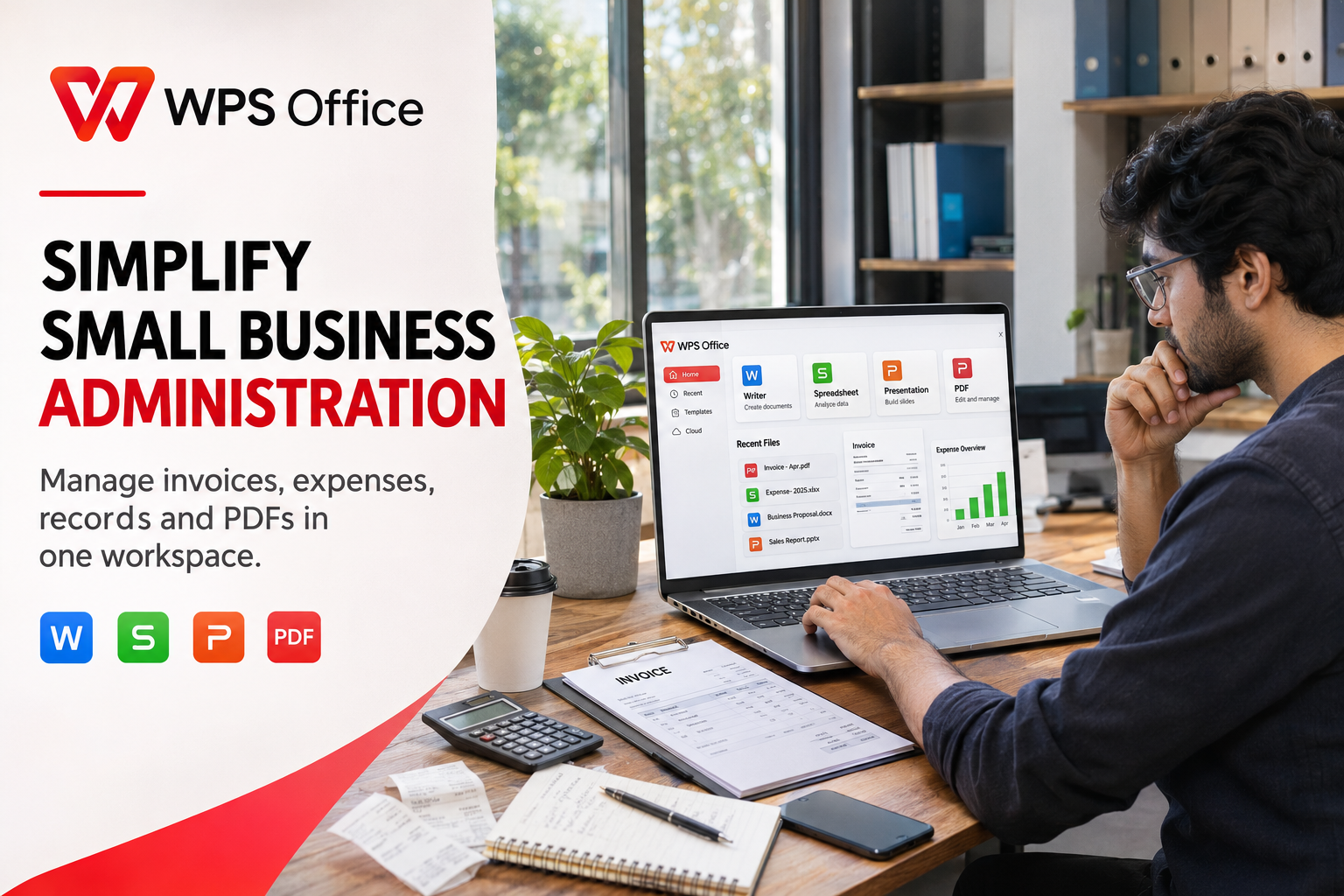
Running a small business involves more than serving customers and managing daily operations. From preparing invoices and tracking expenses to organising contracts and maintaining business records, administrative work takes up a significant amount of time. Having reliable office software can make these responsibilities easier to manage. WPS Office brings together document editing, spreadsheets, presentations, and PDF tools to support everyday business activities.
Create Professional Business Documents
Business communication often begins with a well-prepared document. Whether you are writing a proposal, preparing a quotation, drafting a client letter, or creating an internal report, clear formatting helps present information professionally. With Writer, WPS Office provides a word-processing workspace for creating, editing, and organising business documents.
Prepare Invoices and Quotations
Invoices and quotations are essential parts of many business workflows. They help communicate prices, describe services, record transactions, and maintain organised financial documentation. Instead of designing every document from scratch, businesses can explore invoice and business templates available through WPS Office, then customise the details to suit their requirements.
Track Business Expenses with Spreadsheets
Keeping track of regular expenses can help business owners understand where their money goes. A spreadsheet can be used to record purchases, rent, salaries, subscriptions, transportation costs, and other operational expenses. Using Spreadsheet, WPS Office allows users to organise financial information, apply formulas, and create charts for reviewing business figures.
Maintain Inventory and Stock Records
Businesses that sell physical products need a practical way to monitor inventory. Recording product names, quantities, purchase prices, sales, and remaining stock can make it easier to identify what needs attention. A structured spreadsheet created with WPS Office can serve as a basic inventory tracker, helping small businesses maintain more organised records.
Organise Employee and Attendance Information
As a business grows, keeping employee information organised becomes increasingly important. Attendance records, duty schedules, contact information, and staff-related documents can all be maintained in structured files. Templates and spreadsheet tools available through WPS Office provide starting points for organising routine administrative information.
Turn Business Data into Useful Reports
Collecting information is only one part of managing a business. Owners also need to understand what the numbers indicate and communicate important findings clearly. Spreadsheet tools in WPS Office support formulas, tables, charts, and data organisation, making it easier to prepare reports about expenses, sales, and other business activities.
Prepare Presentations for Clients and Meetings
Presentations can help businesses introduce their services, explain proposals, share project updates, and communicate plans to potential clients. A well-organised slide deck can make complicated information easier to follow during a meeting. With Presentation, WPS Office provides tools for creating and editing slides that can be adapted to different business situations.
Manage Contracts and Important PDFs
Contracts, agreements, purchase orders, and official forms are frequently exchanged as PDF files. Businesses may need to review these documents, add comments, sign them, or prepare them for sharing. The PDF tools in WPS Office support tasks such as viewing, editing, converting, merging, compressing, and signing PDFs, with some advanced capabilities depending on the available plan.
Convert Scanned Paperwork into Digital Files
Small businesses sometimes receive printed receipts, handwritten notes, and paper forms that need to be stored digitally. Scanning these documents can make them easier to organise and retrieve when required. WPS Office includes scan-to-PDF and OCR-related tools, which can help convert captured pages into digital documents and extract text from supported scans.
Use Templates to Save Preparation Time
Creating business paperwork from a blank page can become repetitive, particularly when similar documents are prepared regularly. Templates provide a ready-made structure that users can customise with their own information. The template library available through WPS Office includes options for invoices, budgets, reports, business letters, presentations, and other common office documents.
Collaborate on Shared Business Files
Business projects often involve several people reviewing documents or updating information. Emailing different file versions can make it difficult to identify the latest changes and collect feedback. Cloud collaboration features in WPS Office support shared documents, real-time co-editing, comments, and permission controls on supported plans, helping teams coordinate their work.
Use AI Assistance for Routine Office Tasks
Administrative work can involve writing, summarising, reviewing, and organising large amounts of information. AI assistance can provide a useful starting point when drafting business content or reviewing lengthy documents. AI features in WPS Office can assist with tasks such as drafting text, summarising PDFs, analysing spreadsheet data, and creating presentation content, depending on the feature and subscription available.
Access Business Files Across Devices
Business owners and employees do not always work from the same location. Sometimes a document needs to be reviewed from a laptop, while other tasks are handled using a smartphone or tablet. WPS Office supports Windows, macOS, Linux, Android, and iOS, while its cloud features can help users access and sync files across supported devices.
Keep Documents Organised and Easy to Find
An organised digital filing system can reduce the time spent searching for important paperwork. Businesses can separate invoices, contracts, employee records, reports, and project documents into clearly named folders. WPS Office supports different document formats within one productivity suite, making it easier to work with several types of office files in a connected environment.
Choose Tools That Match Your Business Requirements
Not every business needs the same collection of software features. A freelancer may mainly require document editing and invoicing, while a growing company may need spreadsheets, shared files, and advanced PDF tools. WPS Office offers a free core suite alongside optional paid plans, allowing users to explore the available tools and consider additional features according to their requirements.
Wrapping Up
Good administration helps businesses stay organised and manage their daily responsibilities more efficiently. From invoices and expense trackers to contracts, presentations, and shared documents, having accessible office tools can simplify many routine tasks. By bringing Writer, Spreadsheet, Presentation, PDF editing, templates, and AI assistance into one productivity suite, WPS Office offers a practical option for freelancers, entrepreneurs, and small teams looking to improve their everyday document workflows.