
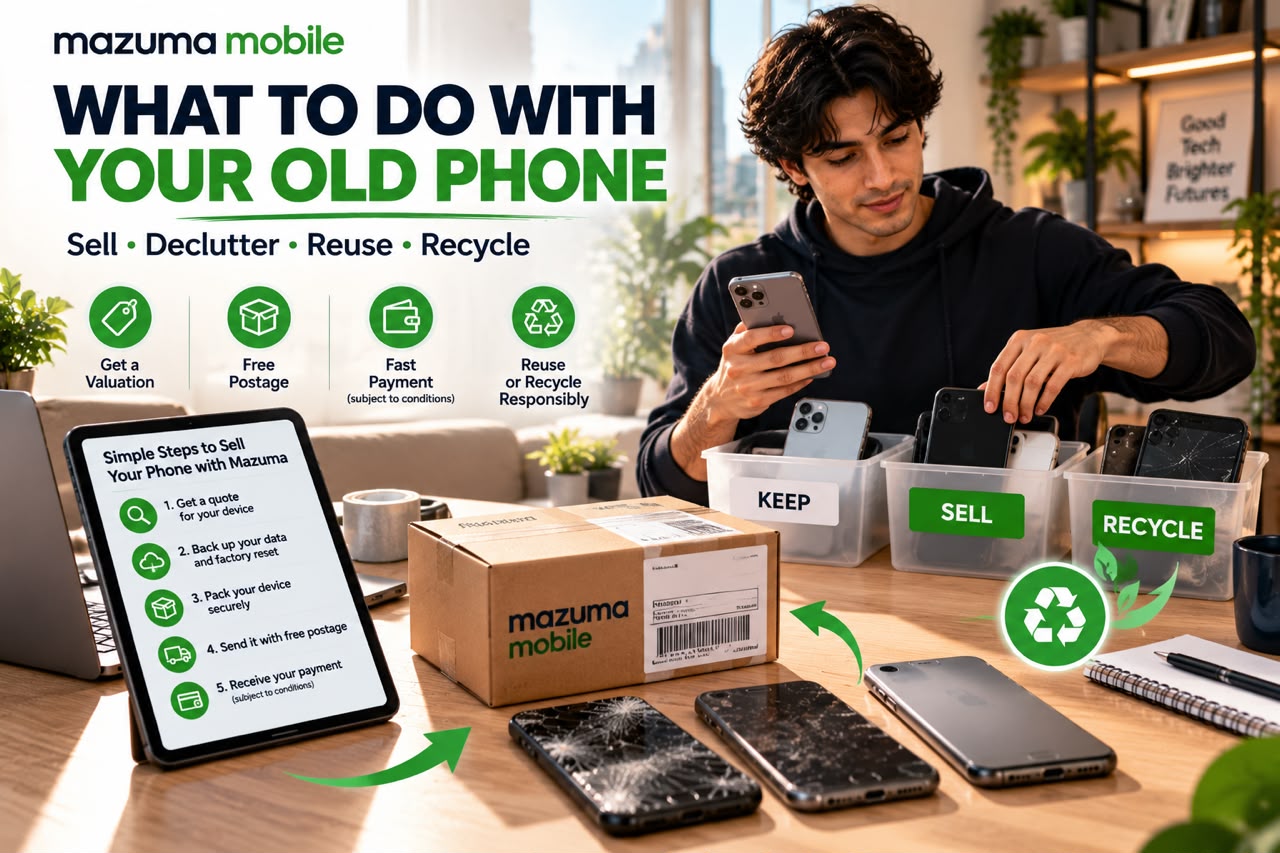
Old phones often end up forgotten in drawers after an upgrade. Instead of letting an unused device collect dust, you could sell it, reuse it, or recycle it responsibly. Mazuma Mobile UK is one option to explore when checking whether your old handset has resale value.
The value of a phone depends on its model, age, storage capacity, and condition. Selling it can help you clear space, recover some money, and give the device another opportunity to be used.
Why Review Your Old Technology?
Keeping one older phone as a backup can be useful, but holding on to several unused devices may be unnecessary. Sorting through your old technology helps you decide which devices are worth keeping and which could be sold or recycled.
You can check eligible devices and available selling options through Mazuma Mobile UK before deciding what to do with your handset.
Step 1: Identify Your Phone Model
Before requesting a quote, confirm the exact make, model, and storage capacity of your phone. Similar-looking devices can have different specifications and resale values.
You can usually find this information in your phone's settings. If the device no longer works, check its original packaging or purchase records. Once identified, search for the matching device on Mazuma Mobile UK.
Step 2: Check the Phone's Condition
Inspect the screen, buttons, cameras, speakers, charging port, and battery performance. Be honest about any damage or faults when requesting a quote.
A damaged phone may still qualify for a trade-in, depending on its condition and the buyer's criteria. Check the available options through Mazuma Mobile UK before assuming your device has no value.
Remember that the final offer may change if the handset does not match the condition originally described.
Step 3: Compare Your Selling Options
You can sell privately, use a specialist trade-in service, gift your phone, or keep it as a backup. Private selling may offer a higher price, but it usually requires more time for listings, negotiations, and arranging delivery.
A trade-in service can provide a more structured process. Compare the convenience and estimated value offered by Mazuma Mobile UK with other available options before making your decision.
Step 4: Protect Your Personal Information
Before sending your phone away, make sure your personal information is secure.
Back Up Important Files
Save your photographs, videos, contacts, documents, and other important information to a trusted cloud service or computer. Check that your backup works and that you can access your files from another device.
Remove Your Accounts
Sign out of your Apple or Google account and disable relevant activation or anti-theft locks by following your manufacturer's instructions. Never share your passwords with a buyer.
Factory Reset Your Phone
After backing up your information and removing your accounts, perform a factory reset using the official instructions for your device. Confirm that the phone returns to its initial setup screen before sending it.
You can also review the preparation guidance provided by Mazuma Mobile UK before dispatch.
Step 5: Understand the Selling and Posting Process
The process generally involves selecting your phone, describing its condition, registering the sale, and sending the device according to the provided instructions.
Mazuma offers options such as requesting a sales pack or printing a postage label, depending on the order. Its published guidance states that devices should be posted within 14 days of the order process.
Pack your handset securely, follow the instructions for your specific device, and keep your postage receipt and tracking details. Check the latest requirements through Mazuma Mobile UK before sending anything.
Step 6: Understand Payment and Final Offers
Mazuma states that it aims to make payment on the same day it receives and checks a device, subject to its conditions. Its published terms include limitations relating to receipt time, weekdays, and public holidays.
Available payment methods include bank transfer and cheque, depending on the order. Check the current payment options and terms on Mazuma Mobile UK before confirming your sale.
If the phone's condition differs from your original description, the final offer may be revised. Review any updated offer carefully before deciding how to proceed.
What Happens to Your Phone After Selling It?
Depending on its condition, a sold phone may be refurbished, reused, or sent for appropriate recycling. Working devices can provide an alternative to buying brand-new technology, while unsuitable handsets may be processed for material recovery.
Using a suitable service such as Mazuma Mobile UK can help eligible devices enter a reuse or recycling process instead of remaining unused at home.
Common Mistakes to Avoid
-
Choosing the wrong model: Verify the exact device and storage capacity before requesting a quote.
-
Misrepresenting its condition: Describe faults honestly to avoid unexpected changes to the offer.
-
Skipping the backup: Save important files before performing a factory reset.
-
Forgetting account locks: Remove linked accounts and activation locks before dispatch.
-
Missing the postage deadline: Follow the instructions and keep your tracking information.
-
Ignoring other options: Compare trade-in services, private sales, and recycling before deciding.
Following the correct process when selling through Mazuma Mobile UK can help make the experience more straightforward.
Wrapping Up
An old phone does not have to remain forgotten in a drawer. Identifying its model, checking its condition, and comparing selling options can help you decide whether to sell, reuse, or recycle it.
Before sending your device away, back up your information, remove personal accounts, perform a factory reset, and review the current postage and payment conditions. Explore Mazuma Mobile UK to check your options and give your unused technology a more useful next chapter.